Image to Line Art Converter
Turn any photo into a clean, professional line drawing in seconds. Our AI-powered Image to Line Art Converter extracts precise outlines from your images — perfect for digital art, illustration, tattoo references, design projects, and crafts.
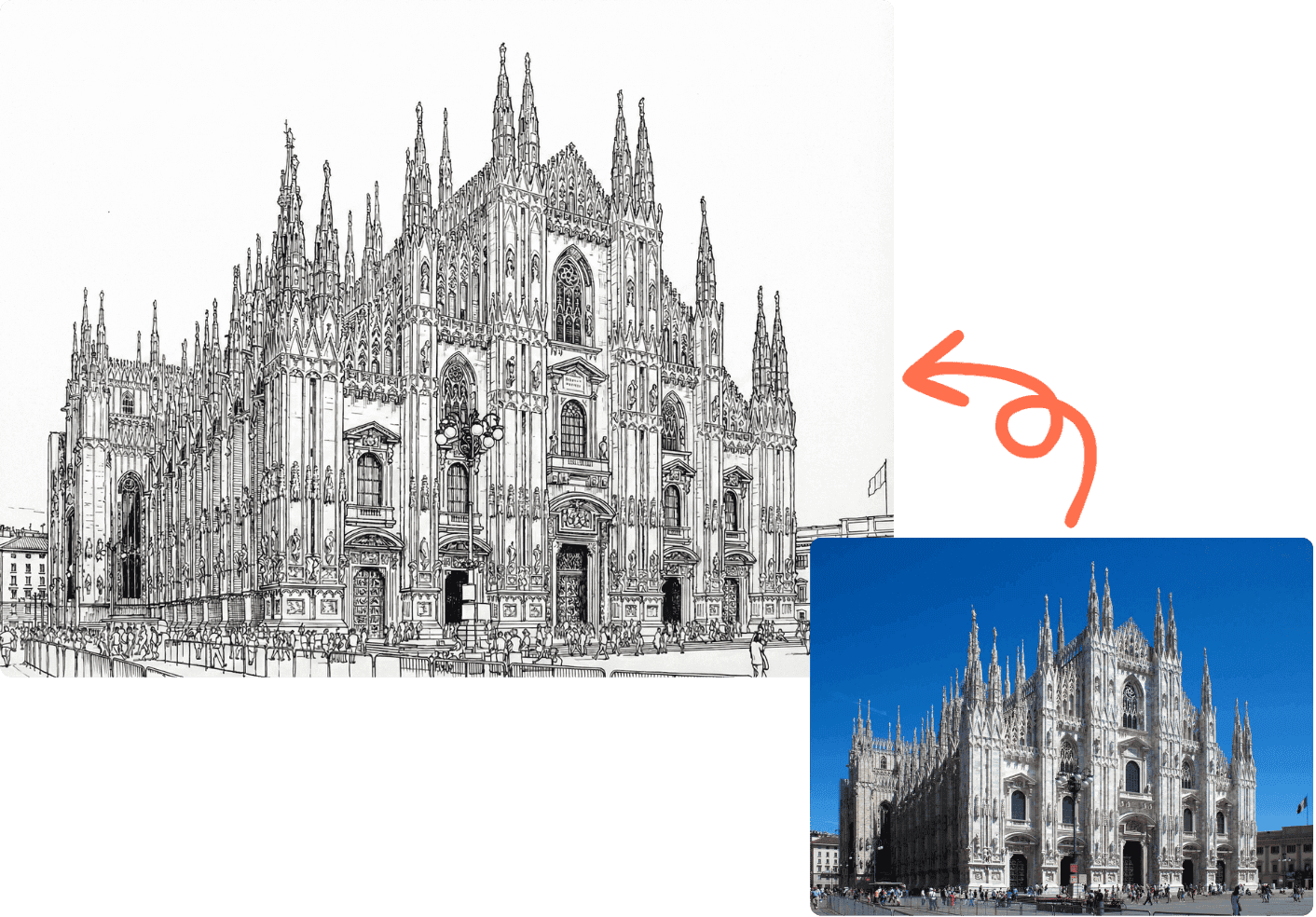
Image to Line Art Converter
Upload any image and our AI will convert it into a clean line drawing. Works with photos, illustrations, logos, and more.
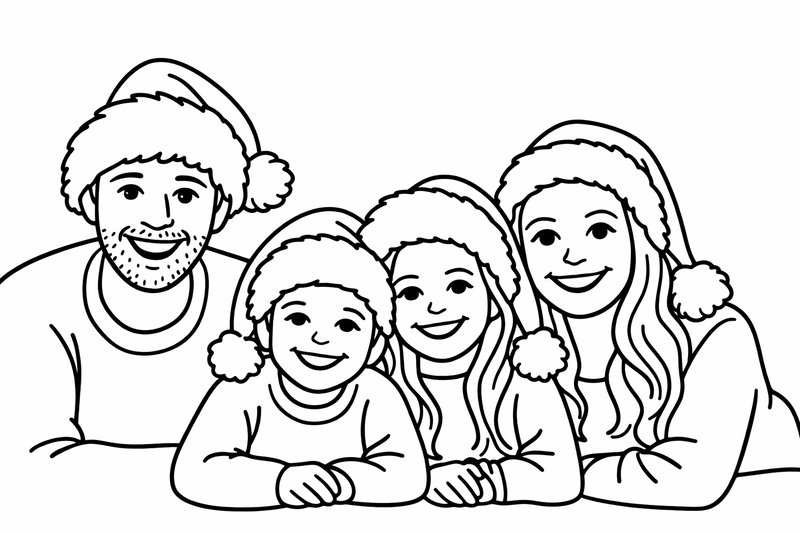
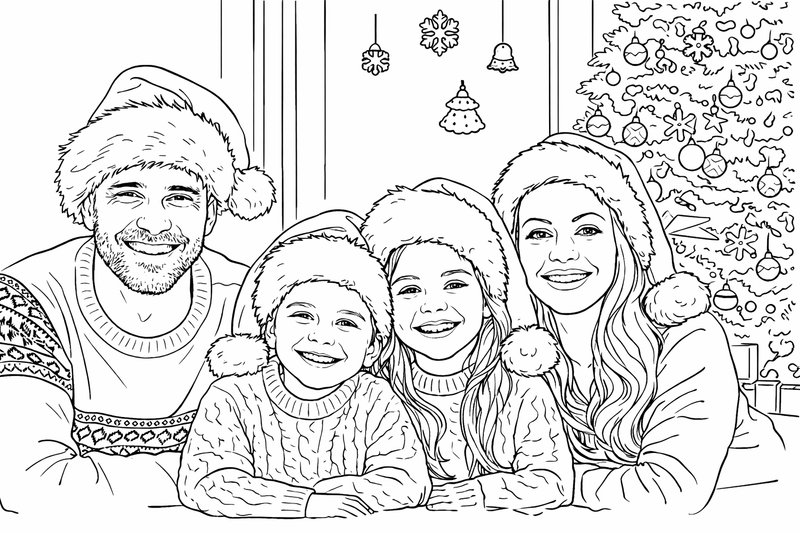
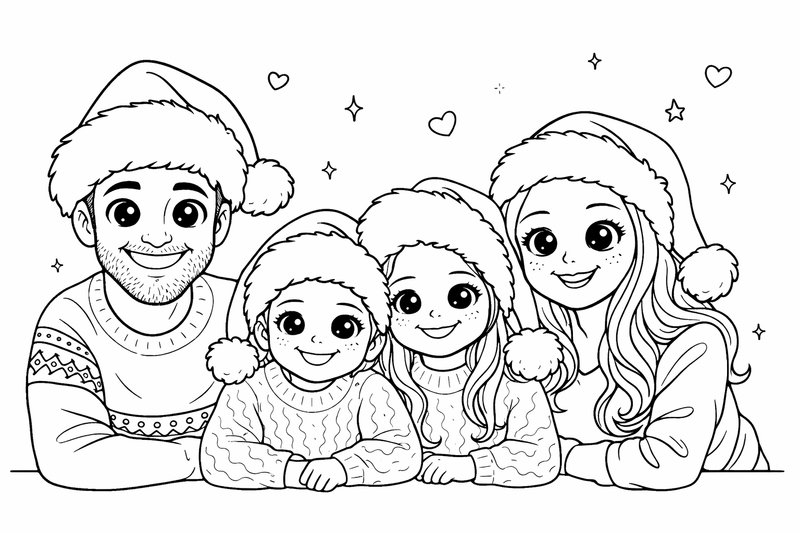
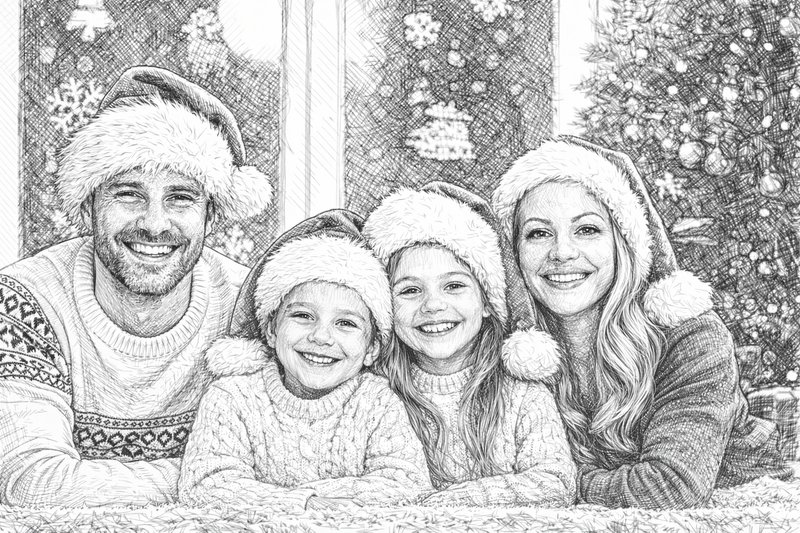
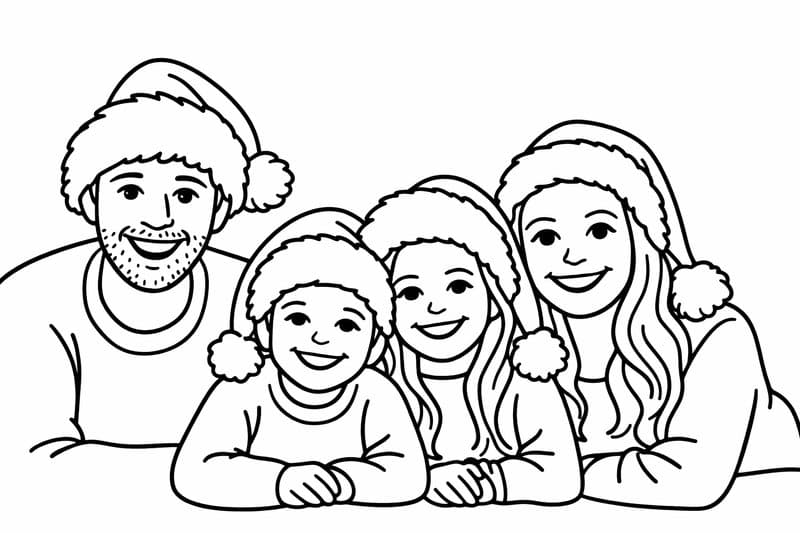
Your Recent Conversions
See What Different Styles Look Like
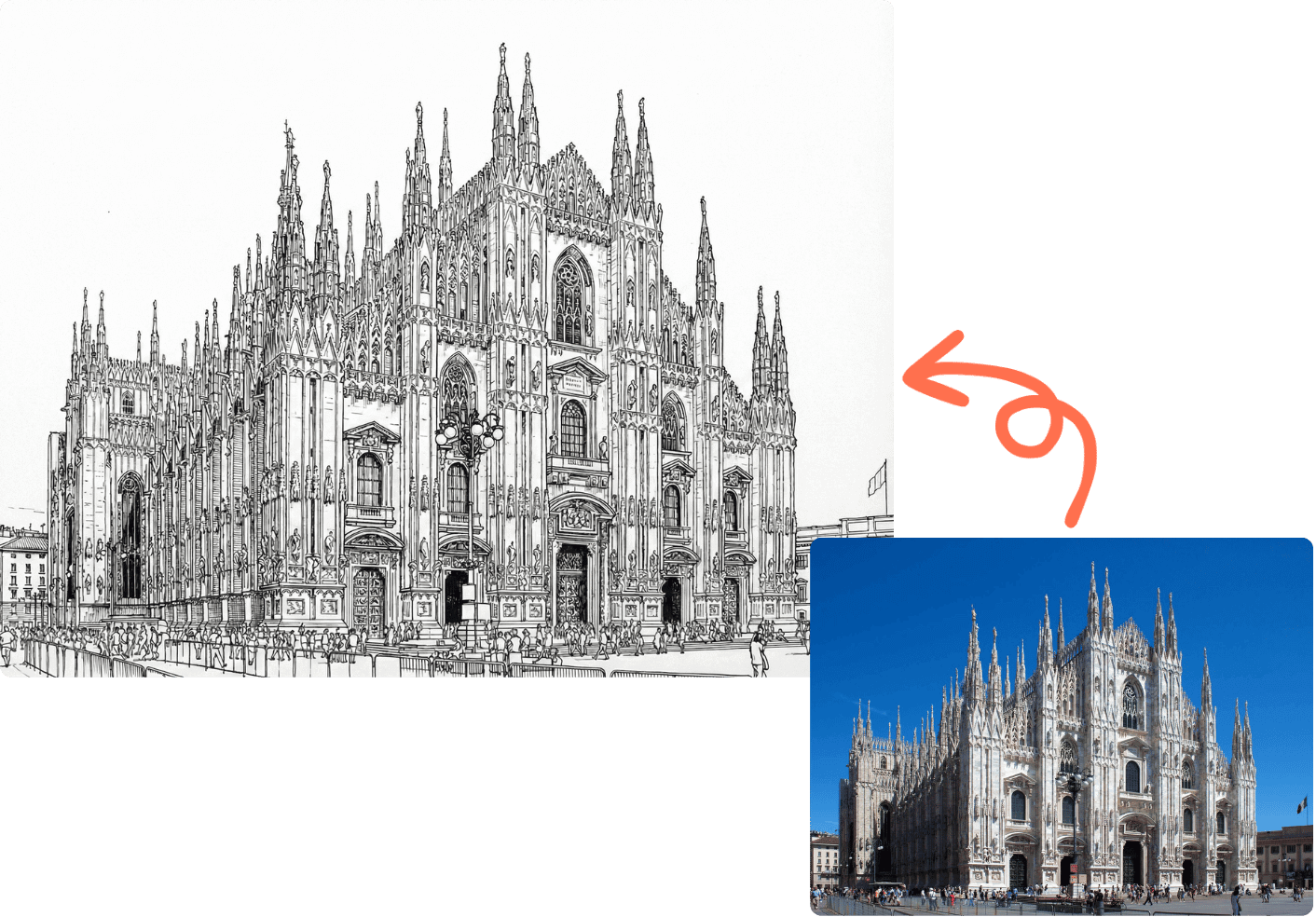
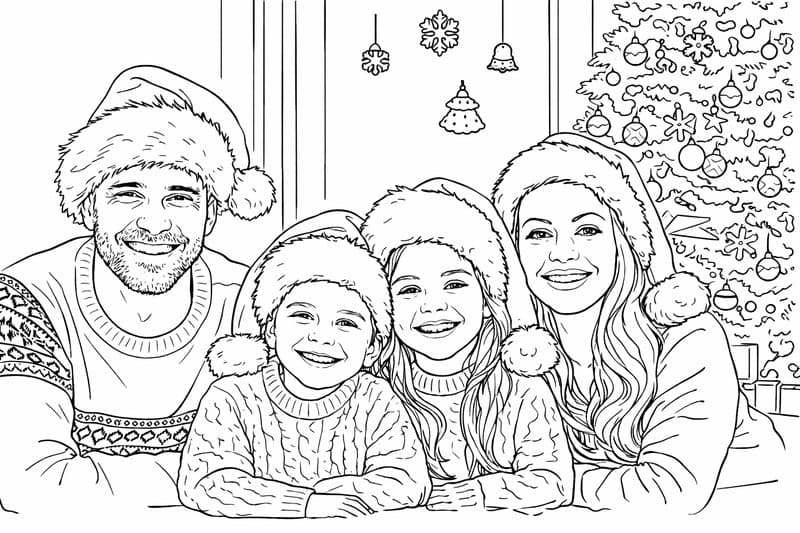
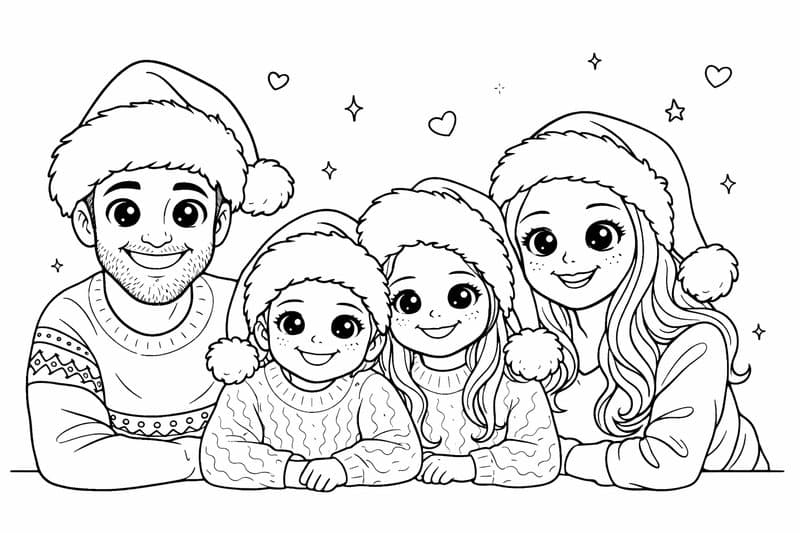
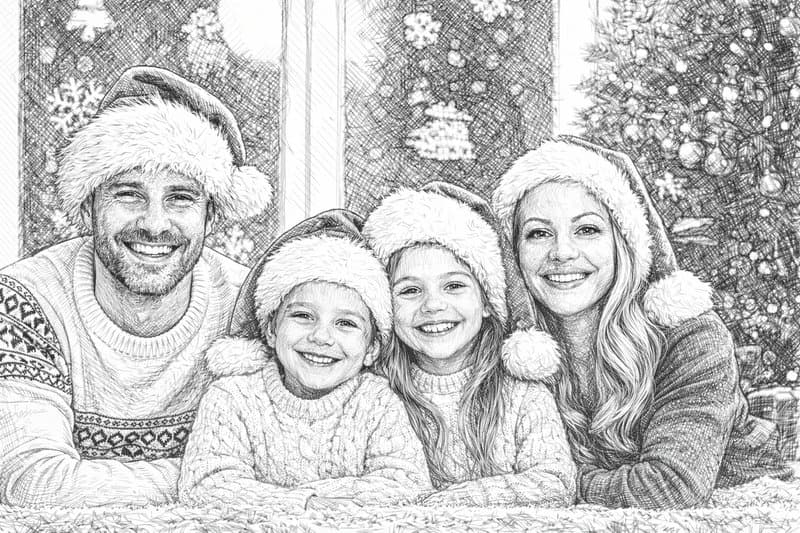
Choose a category to preview how each style transforms your photos into line art. Every style produces clean black outlines on white — ready for design, tracing, or printing.


How to Convert an Image to Line Art in 3 Steps
No design skills needed. Upload, convert, and download your line drawing in under a minute.

Step 1: Upload Your Image
Select any photo or image from your device. Our converter works with portraits, landscapes, objects, illustrations, and more.
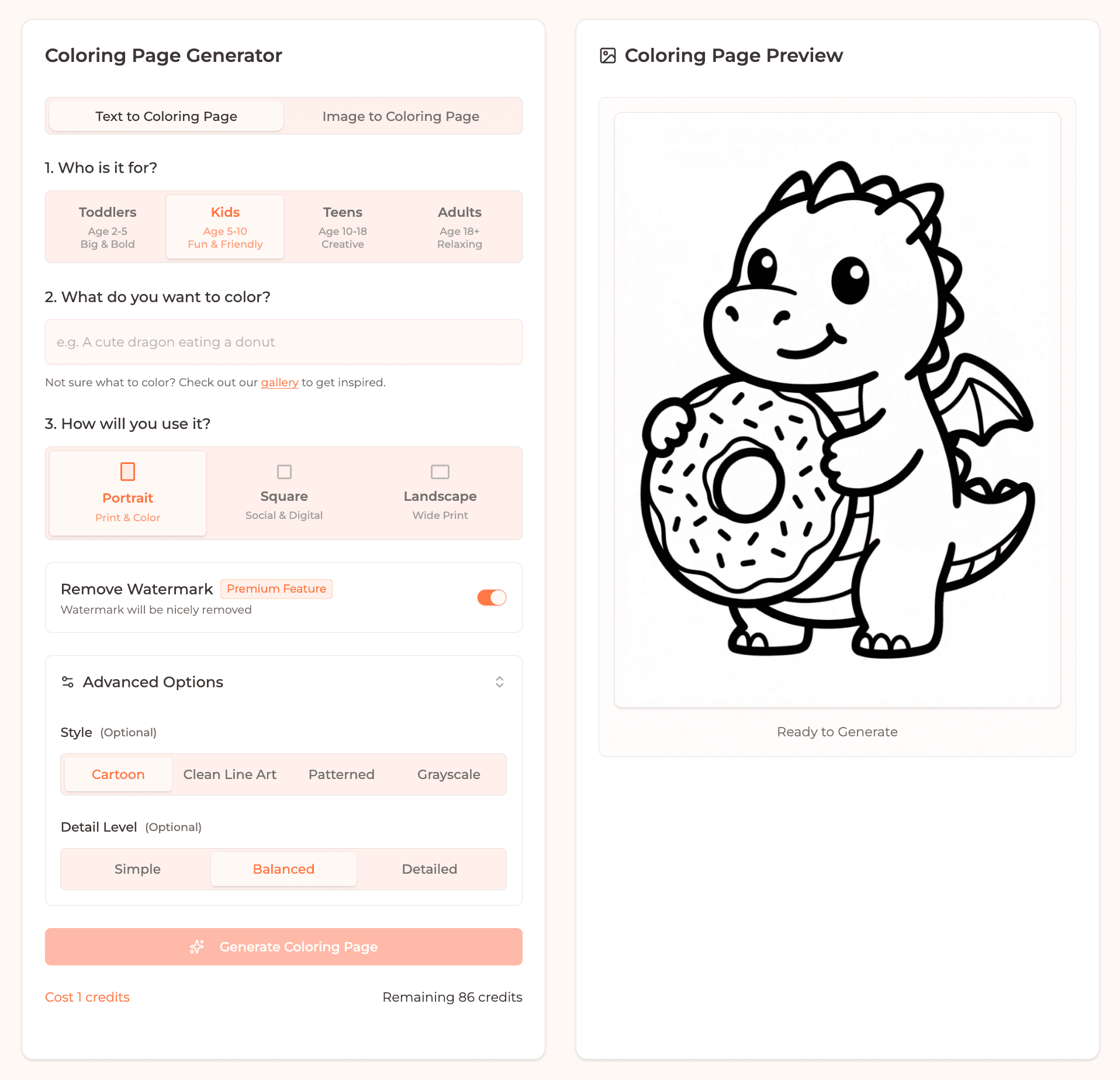
Step 2: AI Extracts Line Art
Our AI analyzes your image, identifies edges and contours, and produces a clean black-and-white line drawing with no gray shading.
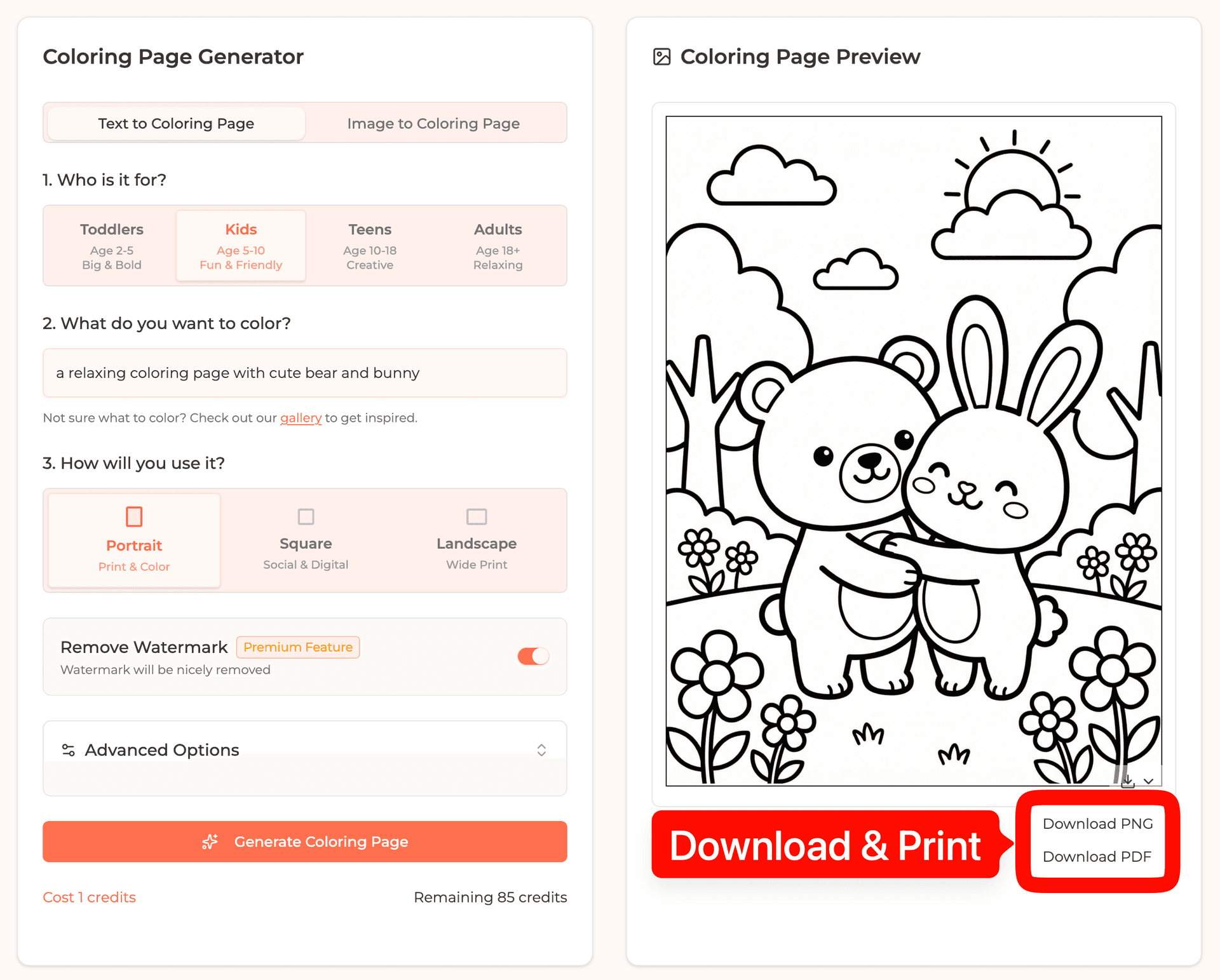
Step 3: Download Your Line Art
Download your line drawing as a high-resolution PNG or PDF. Print it, use it digitally, or import it into your favorite design tool.
Why Designers Use This Image to Line Art Converter
Unlike simple edge-detection filters, our AI understands the structure of your image and produces line art that looks hand-drawn.
Clean, Precise Lines
No noisy edges or messy artifacts. Our AI produces smooth, continuous outlines that look professional and hand-crafted.
No Shading, Pure Outlines
We strictly remove all grayscale shading. You get pure black-and-white line art — perfect for coloring, tracing, or re-coloring digitally.
High Resolution Output
Download print-ready line art at 300 DPI. Sharp enough for large prints, detailed enough for professional design work.
Works with Any Image
Portraits, pets, landscapes, buildings, products, illustrations — our AI handles any subject and extracts meaningful outlines.
What Can You Do with Image to Line Art?
Our line art converter is used by artists, designers, crafters, educators, and creators worldwide. Here are the most popular use cases.
Digital Art & Illustration
Use line art as a base layer for digital painting. Import the outlines into Procreate, Photoshop, or Clip Studio and add your own colors and textures.
Outlines & Tracing
Generate clean outlines for tracing, embroidery patterns, or coloring activities. The precise line work makes it easy to transfer designs to any medium.
Tattoo Design References
Convert a photo into a clean outline sketch to show your tattoo artist. Get the exact composition and detail level you want before committing to ink.
Crafts & DIY Projects
Generate patterns for embroidery, wood burning, stencil cutting, or screen printing. Clean line art transfers perfectly to any craft medium.
Branding & Logo Design
Quickly extract outlines from product photos or mascot images. Use the line art as a starting point for logos, icons, or marketing materials.
Education & Worksheets
Teachers can convert complex images into simplified line drawings for worksheets, making anatomy, geography, and science concepts easier to understand.
Ready to Convert Your Images to Line Art?
Turn any photo into a professional line drawing in seconds. Start for free, then download high-resolution PNG & PDF when you're ready.